Delivering to playout
What Storm Studio writes, what it does not, and the settings that decide whether a file passes a station's checks.
4.1 Safe areas
Safe areas are set in Settings › Safe areas and layout… and saved with the project. They apply to the preview guides, every export and every automatic render of that project. Graphics are laid out against the title-safe box, not the frame.
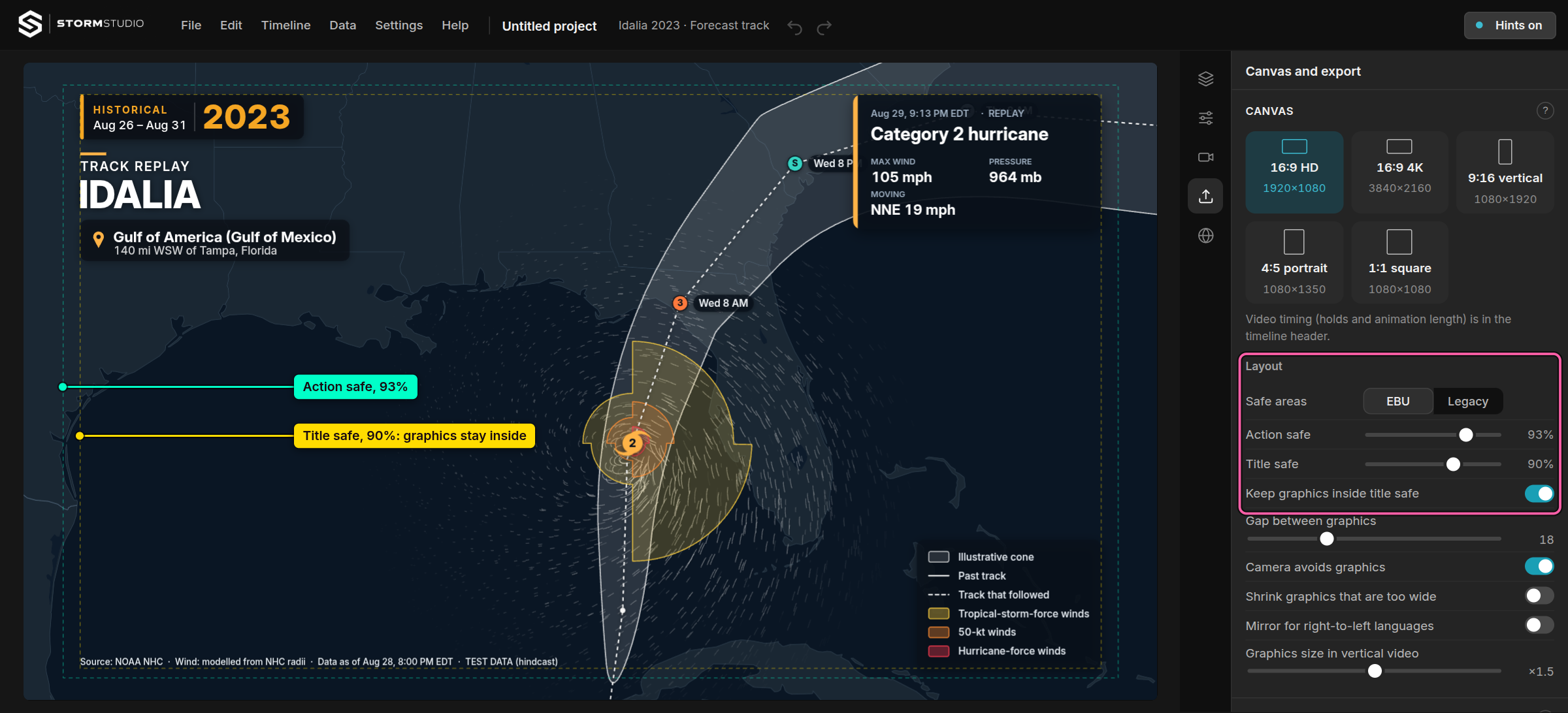
| Preset | Action safe | Title safe |
|---|---|---|
| EBU (default) | 93% — 1786 × 1004 | 90% — 1728 × 972 |
| Legacy | 90% — 1728 × 972 | 80% — 1536 × 864 |
| Custom | set per project | set per project |
Pixel sizes are for 1920 × 1080. At that size the EBU preset insets 67 px horizontally and 38 px vertically for action safe, and 96 px and 54 px for title safe. Each margin is the same share of the frame's width and of its height, so a project keeps its margins at 3840 × 2160 and in 9:16.
"Keep graphics inside title safe" is on by default. Switched off, a graphic may reach into action safe. The layout check at the top of the Design list then reports any graphic that leaves the safe area or overlaps another; it does not move it.
4.2 Output
| Output | Format | Notes |
|---|---|---|
| Video (default) | MP4, H.264 | Chrome, Edge and Brave. A browser that cannot encode H.264 at that size uses HEVC, VP9 or AV1, in that order. |
| Sound in the video | AAC, 48 kHz stereo, 192 kbit/s | Opus where the browser cannot write AAC; the export says so. |
| Still | PNG or JPG | The frame at the playhead, at the full canvas size. PNG keeps transparency. |
| PNG sequence | PNG with alpha | One sequence per layer: basemap, satellite, wind, storm, labels, graphics. No sound. |
Frame rates: 1, 5, 15, 25, 29.97, 30, 50, 59.94 and 60 fps. Canvas sizes: 1920 × 1080, 3840 × 2160, 1080 × 1920, 1080 × 1350 and 1080 × 1080. Sizes are held relative to a 1080-unit short side, so 4K is a sharper render, not an enlargement.
Quality is Small, Standard, High or Maximum, or a bitrate you type in Mbit/s. If the encoder cannot reach the bitrate at that size, the export steps down and reports the bitrate it used.
One renderer draws the preview and every export. Each frame is rendered at exactly its own moment, with the map's clock frozen, and an export stops with a message rather than drop a frame. A file is never a recording of the preview.
4.3 Loudness
Set in the Export panel, above Export video. The finished mix — music, voice-over and the sound of video clips — is measured as broadcasters measure it and raised or lowered as a whole, identically in the preview and in the file.
| Target | Standard | Peaks held under | Typically |
|---|---|---|---|
| −23 LUFS | EBU R 128 | −1 dB | European broadcast |
| −24 LKFS | ATSC A/85 | −2 dB | North American broadcast |
| −16 LUFS | — | −1 dB | Online video |
| −14 LUFS | — | −1 dB | Most social platforms |
| Off (default) | — | — | Master volume, 10% to 200%, set by hand |
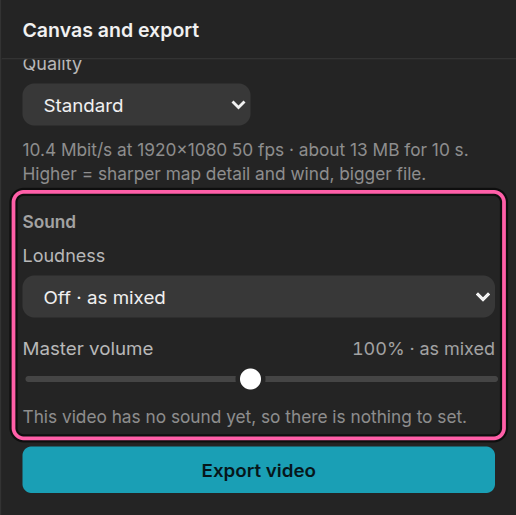
There is no limiter. A target that would push the peaks over their limit is approached, not forced: the sound is raised only as far as the peaks allow, and the Export panel says so and where the highest peak is.
The figures are those of the sound as it is handed to the encoder. An encoded MP4 can read a few tenths of a decibel differently, and a broadcaster may measure only the speech of a long programme, or ask for lower peaks in an encoded file. Check their delivery rules.
4.4 What is not yet delivered
These are planned and are not in the build. Check them against your station's acceptance spec before committing Storm Studio to a feed.
Not available today: ProRes 422 HQ and ProRes 4444; fill and key as separate video files; Rec.709 tagging and broadcast-legal level clamping; interlaced 1080i; start timecode and drop-frame; bars and tone, slate and countdown.
A PNG sequence is the current route to a finishing suite: export the layers, then grade, tag and wrap them in whatever your facility already uses.
What next
- When something goes wrong — export messages and what they mean
- The panels, one by one — every setting